For everything you create.
You bring the idea. The studio brings the craft.
On the railNothing becomes a film without your say-so.
 Early access · Tell us what you want to create.
 Designed for Imagination
Creative without friction
Behind every tool is a deterministic workflow that leverages best practices in model selection, prompting, and rendering to produce professional results every time.
-
 Image
Image
Create a character
And reference sheet from a prompt, reference, or a story you wrote.
Open Characters Request Access -
 Video
Video
Animate it
Use the reference sheet to put your character into a video.
Open Video Request Access -
 Writing
 Storyboard
Put them in a scene
Write a script and generate a storyboard to tell their story.
Open Script Bench Request Access -
 Audio
Audio
Give them a voice
Music, voice-over, and voices for your characters and films.
Open Sound Request Access

One studio for the whole story... Start anywhere.
Story System is a complete, end-to-end production studio. Start with whatever you have: an idea, a script, an image, a character, a location, and bring it to life. Create scripts, characters, objects, and scenes, drop them into storyboards, render cinematic videos, and add voice and sound. Everything you make is saved as a Story Asset you can reuse in the next scene, or the next project or format.
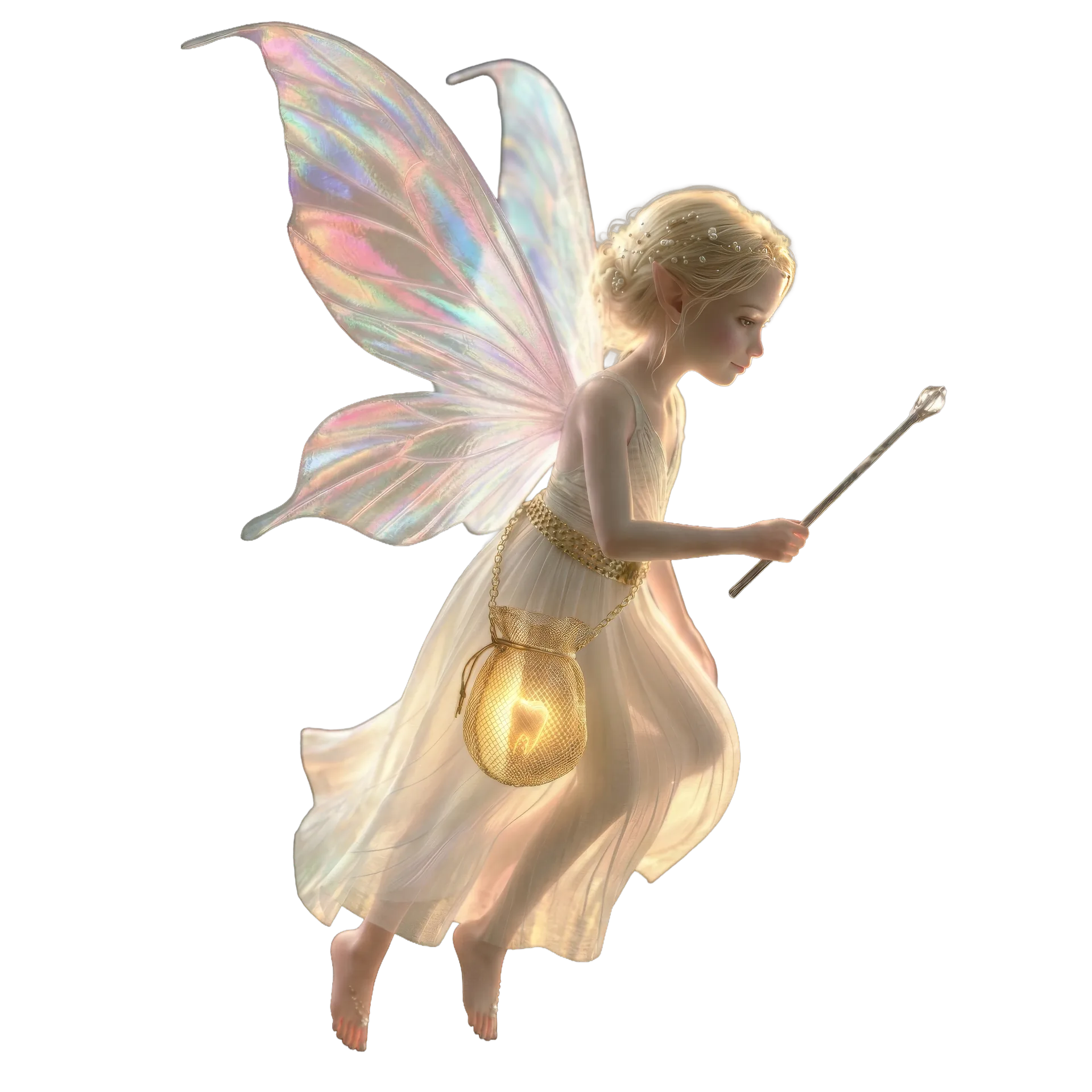
Design original characters.
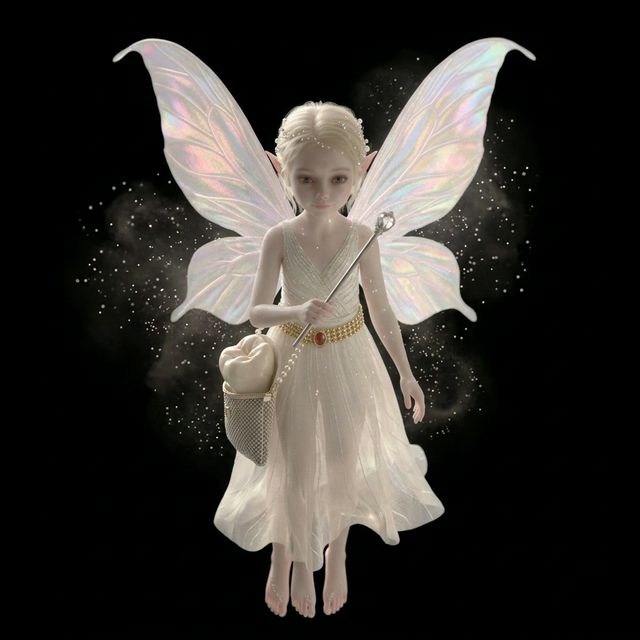
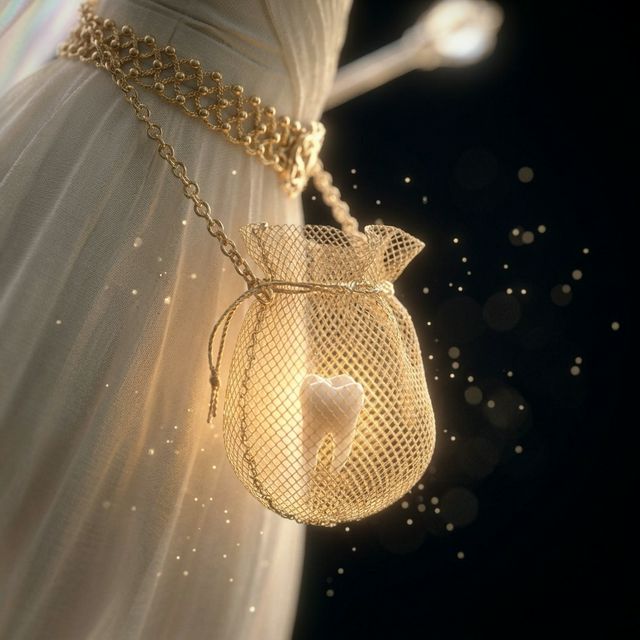
Describe who they are, or start from a sketch or a photo. Story System designs your character and generates a full character sheet: turnarounds, expressions and a consistent look you can reuse everywhere.
 Full body
 front
¾
front
¾
 side
side
Storyboards, comics & video.
Drop your character into a storyboard, lay out comic panels, or render a cinematic short. Build the world once, then tell as many stories in it as you like, in any format.
How a story becomes a film.
A reference is identity, never style. Motion is created only from a frame you have approved. Continuity is held by structure rather than luck.
-
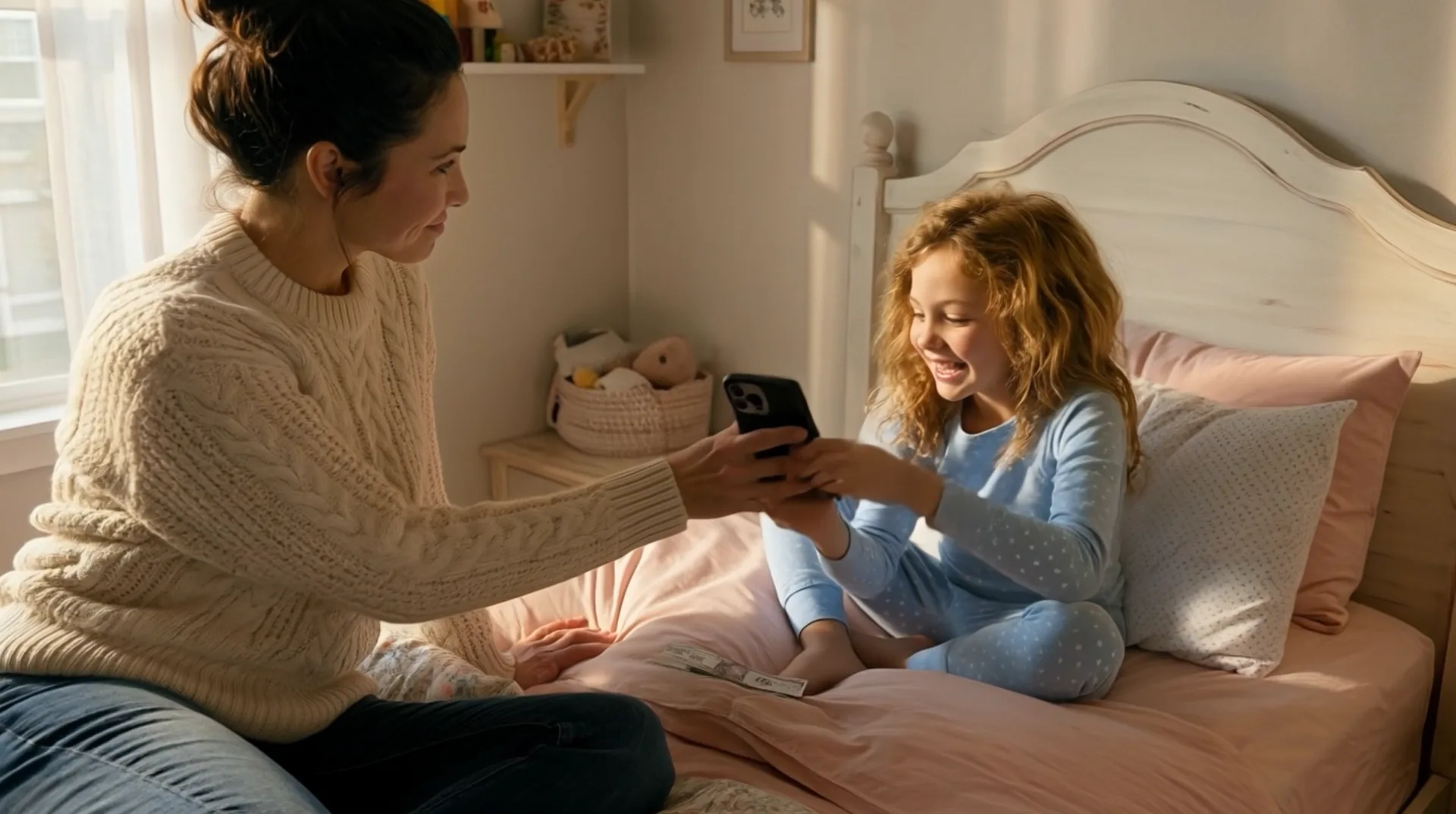
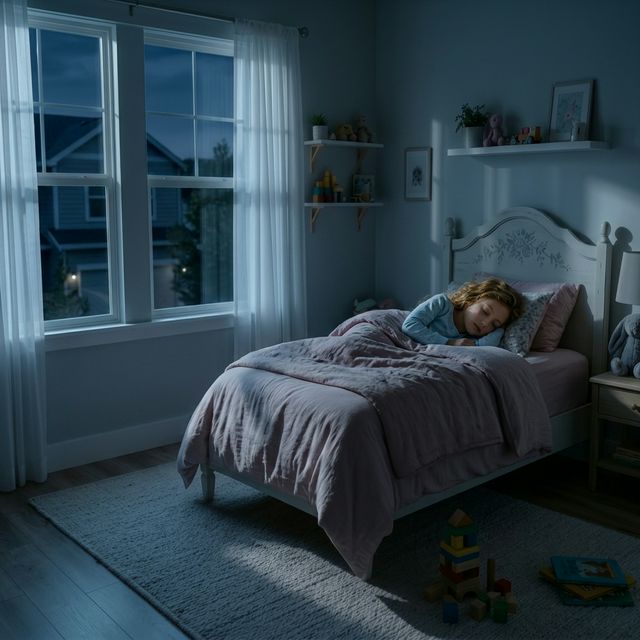
- Mom hands over the phone
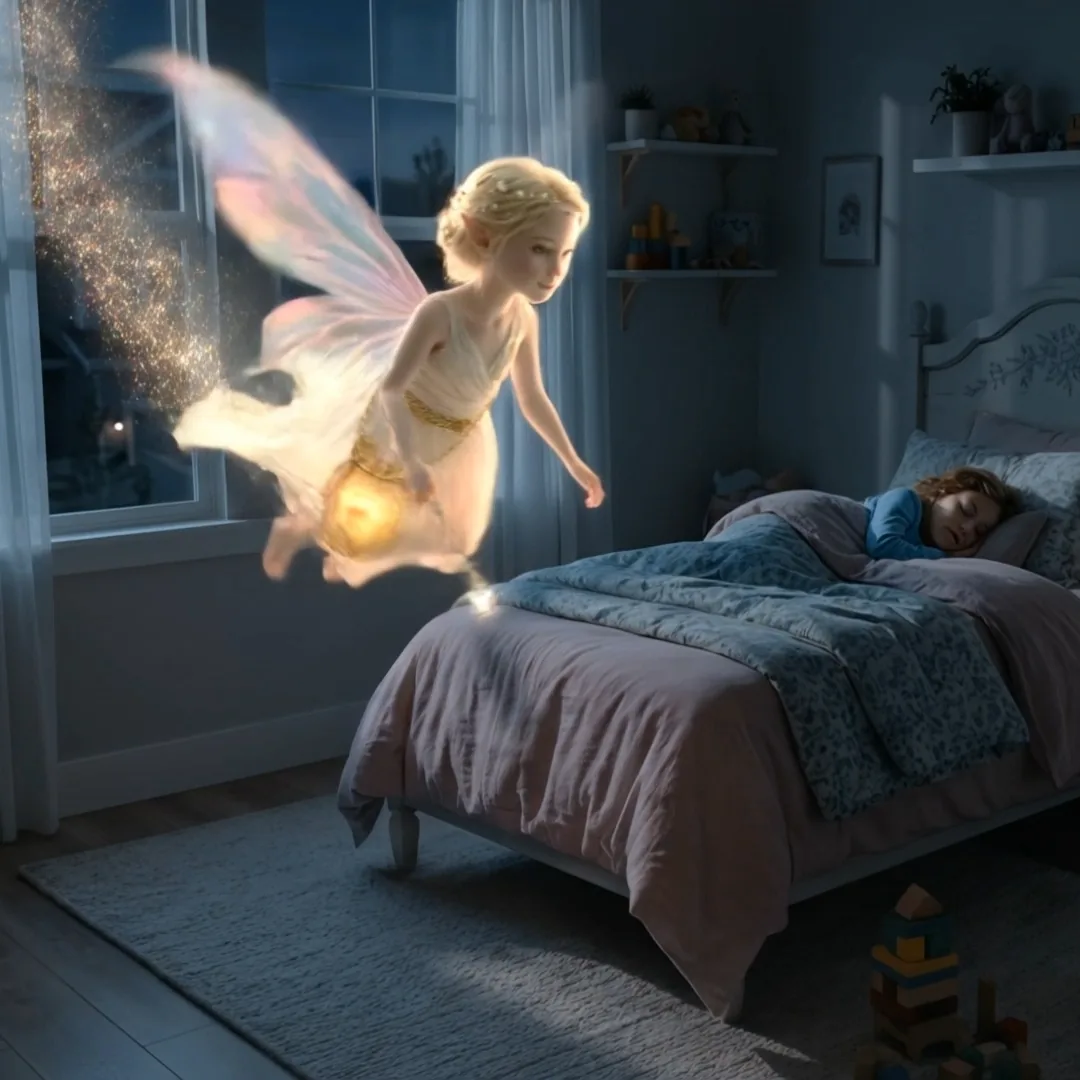
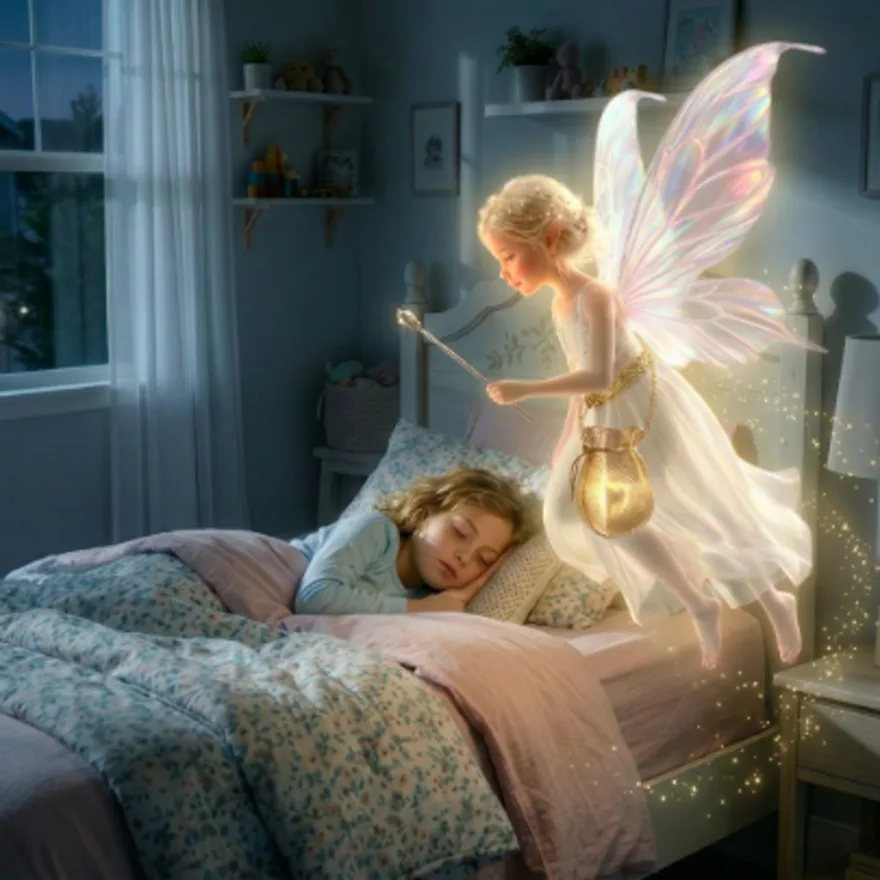
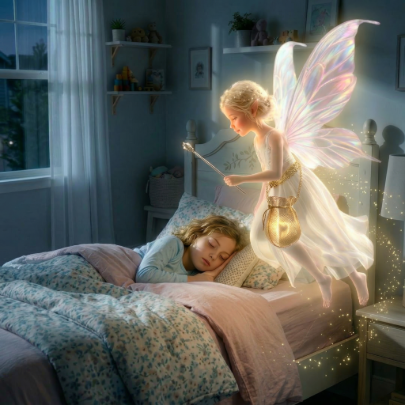
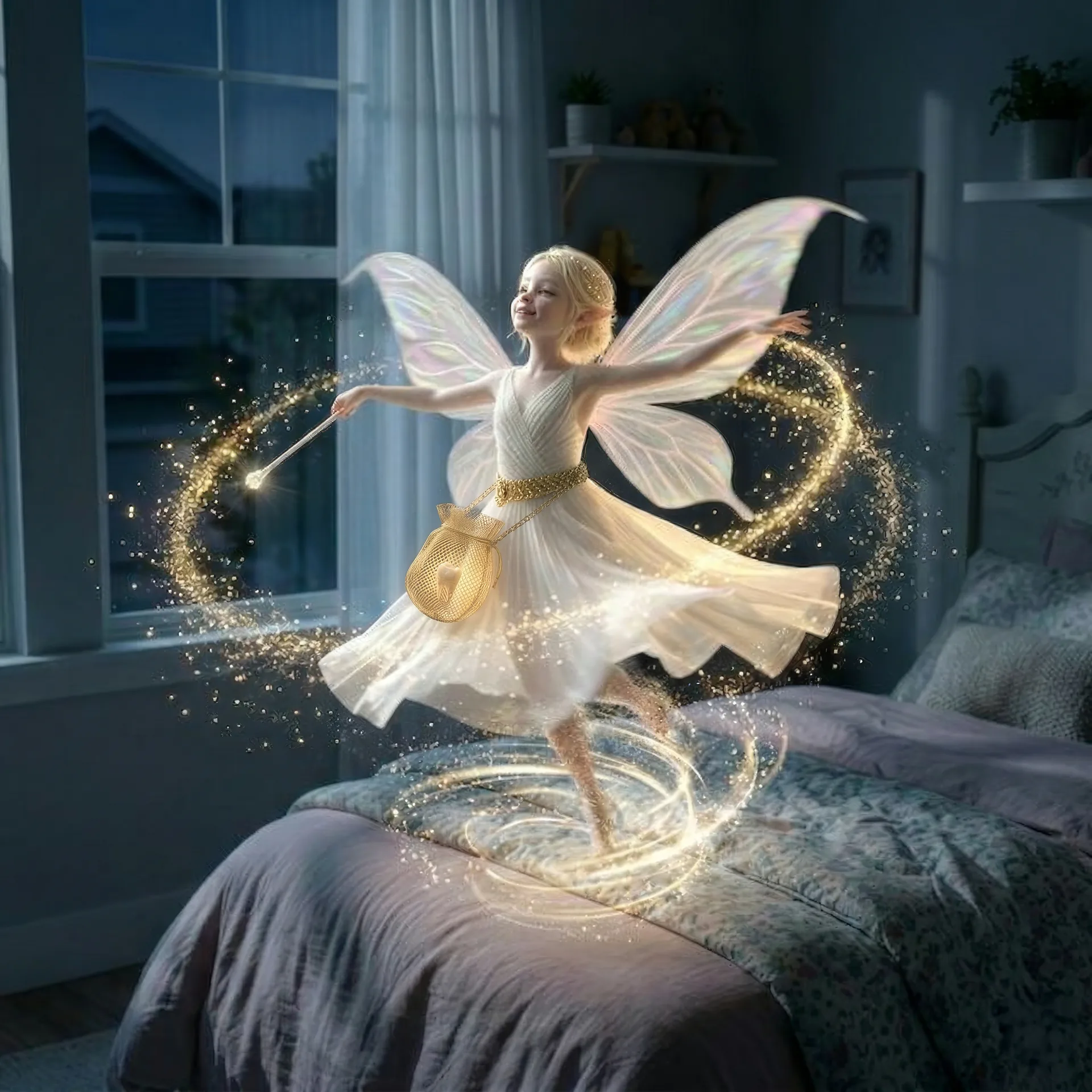
- Fairy enters through the window
- Fairy waves her wand
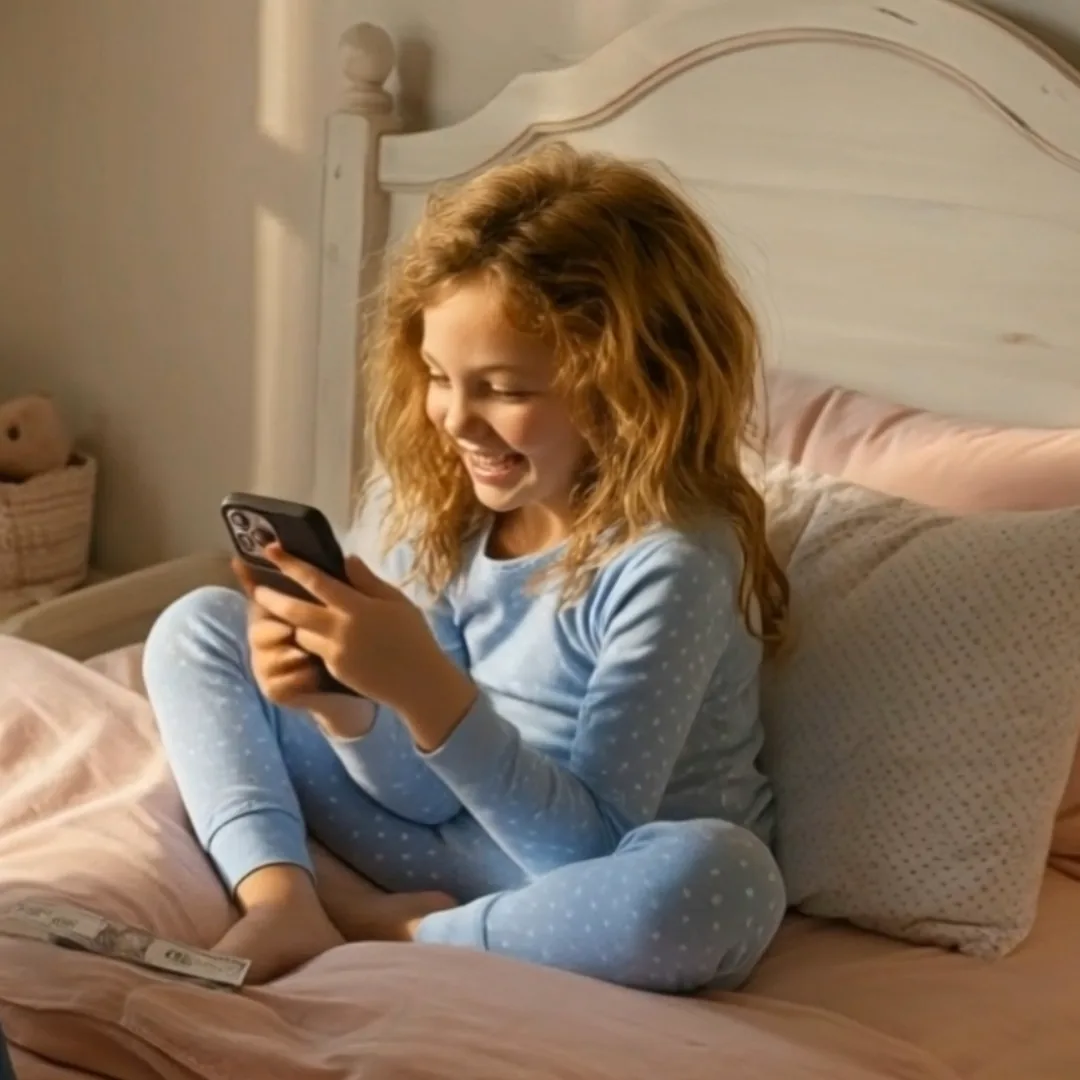
- Child reacts to the video
STOP 1Storyone written formAny source becomes one story of record.
-
 Character
 Object
 Location
STOP 2Scenethe trinity
Location
STOP 2Scenethe trinityA reference is identity, never style.
-
SizeAngleLensMoveINT. BEDROOM - MORNING · Mom hands over the phone
STOP 3Shota technical construct
Four siblings, moving independently.
-
Master Key
Derived
Derived STOP 4Continuitywhere AI film breaksAncestry, not dependency.
-
 Approved
STOP 5Motionbringing it to life
Approved
STOP 5Motionbringing it to lifeCreated only from a frame you have approved.
-
ClipVoiceMusicSTOP 6Cutwhere it becomes a film
Nothing re-derived, nothing guessed.
-
From the MagicLens blog ·
Studio craft
Scenes carry the story. Shots carry the scenes.
Read the visual guide to the filmmaking workflow behind Story System—from one written story and the character-location-object trinity to storyboarded shots, continuity, production and the final cut.
Read the visual guide →-
Write
Write carries scenes, action, dialogue and cast into one story of record.
-
Create
Create Character, Create Object, Create Location. One tool for each member of the scene.
-
Reference sheets
A Character Reference Sheet renders your character from multiple angles, in expressions and turnarounds.
-
Storyboard
No motion is ever created from a frame you haven't approved.
-
 Brand System
Your brand becomes a system.
Logo, colour, type and rules, producing on-brand creative on demand.
-
Logo maker

Draw the mark, or bring one you already have.
Open Logo maker Request Access -
The mark, animated
Running here, on this page. Not a picture of it.
Open Animation Request Access -
Colour
-
Periwinkle
#7E88D0 -
Periwinkle deep
#6A70B6 -
Lavender
#C4B8D4 -
Gold
#D9B455 -
Night
#2C3646 -
Ivory
#F5F0E3
Named, not guessed. Every surface draws from the same six.
Open Colour Request Access -
Periwinkle
-
TypePhilosopher Display · headlines and marks Nunito Body · everything you read
Two faces, and the rules for which does what.
Open Type Request Access -
Iconography









One set, one geometry, as many marks as the brand needs.
Open Icons Request Access -
Pattern
The mark's own geometry, tiled, at any scale.
Open Patterns Request Access
Then it is stored as assets.
Everything you choose files itself as a named, findable asset. Brand assets ride into every output automatically.
Open My Assets-
 Master mark
master-lens.png -
 Namelock
master-namelock.png -
Story System lock
storystudio-namelock.png -
Brand System lock
brandstudio-namelock.png -
Logo maker
logomaker.png -
 Camera Look set
cinematography-v6.png
Your brand applied to make new assets and creative.
-
A signature mark
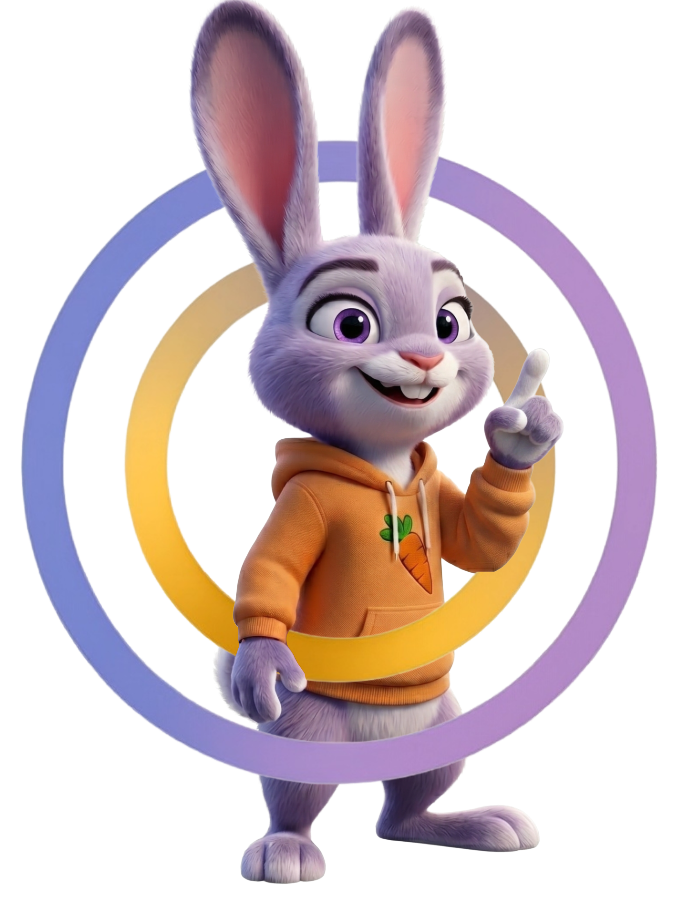 Signature mark
The Experience composed through the ring, one object.
-
Brand inside the work
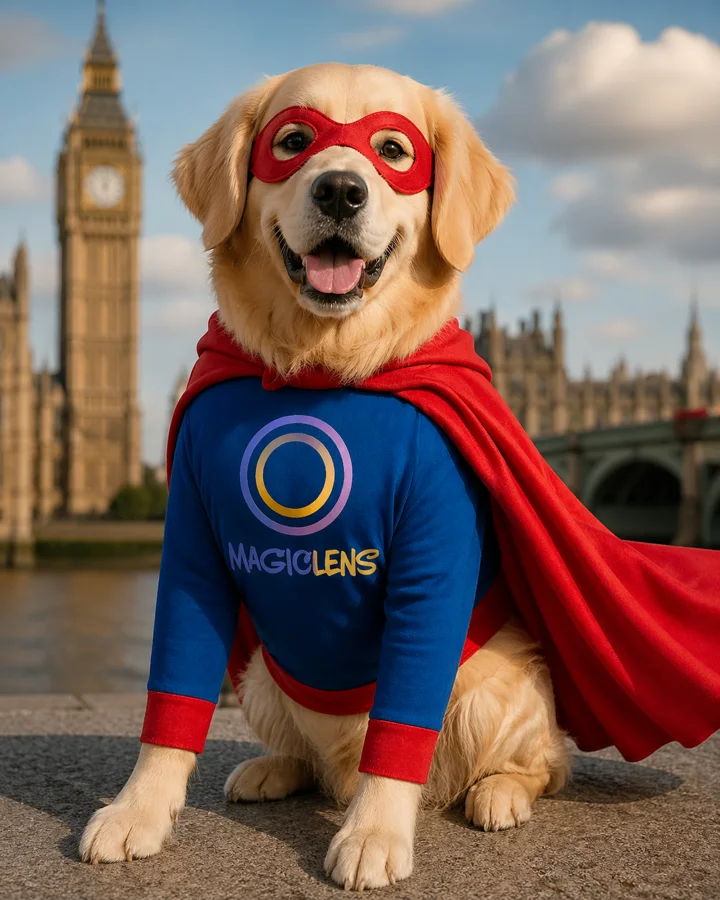 In the creative
The mark woven into the costume, not laid over the photograph.
-
Every Experience, on brand
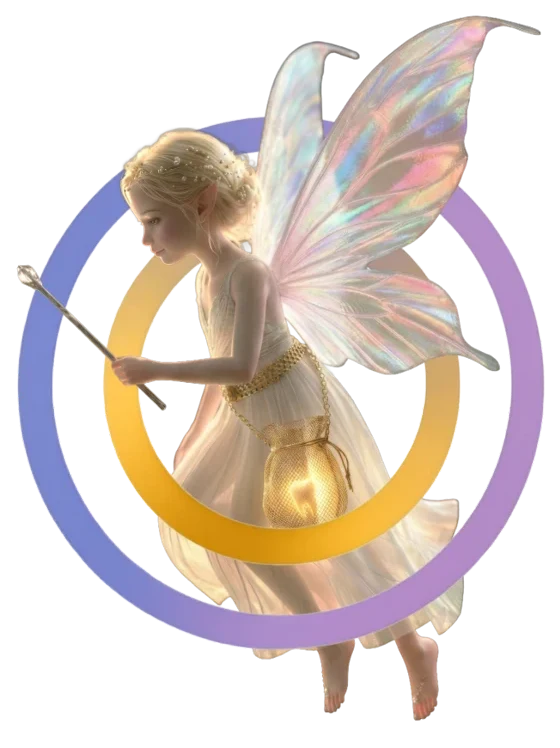 Experience mark
The same construction, a different story each time.
-
And it movesMotion
The animated mark, rendered into the film.
 Interactive · Tooth Fairy
Customize a Momento.
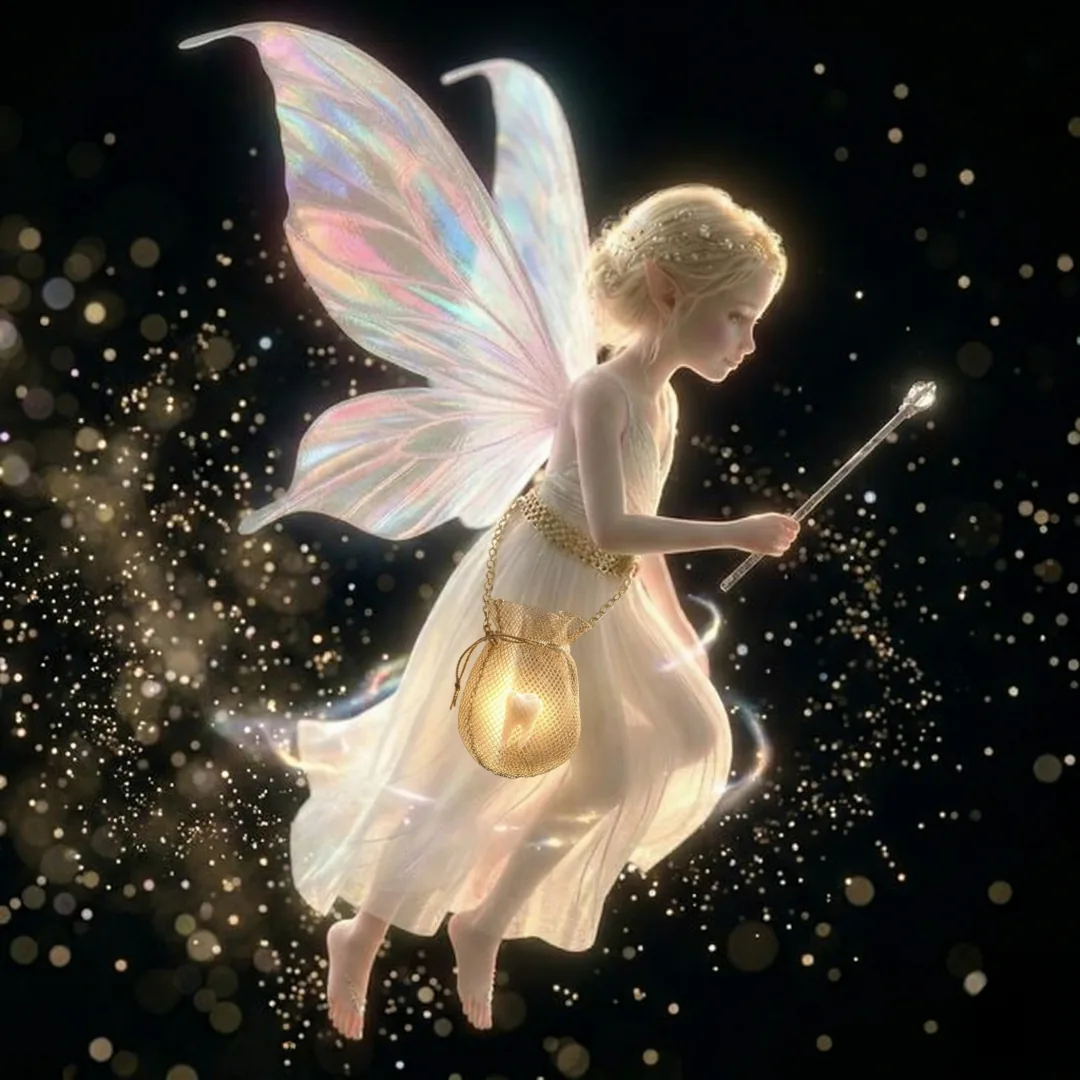
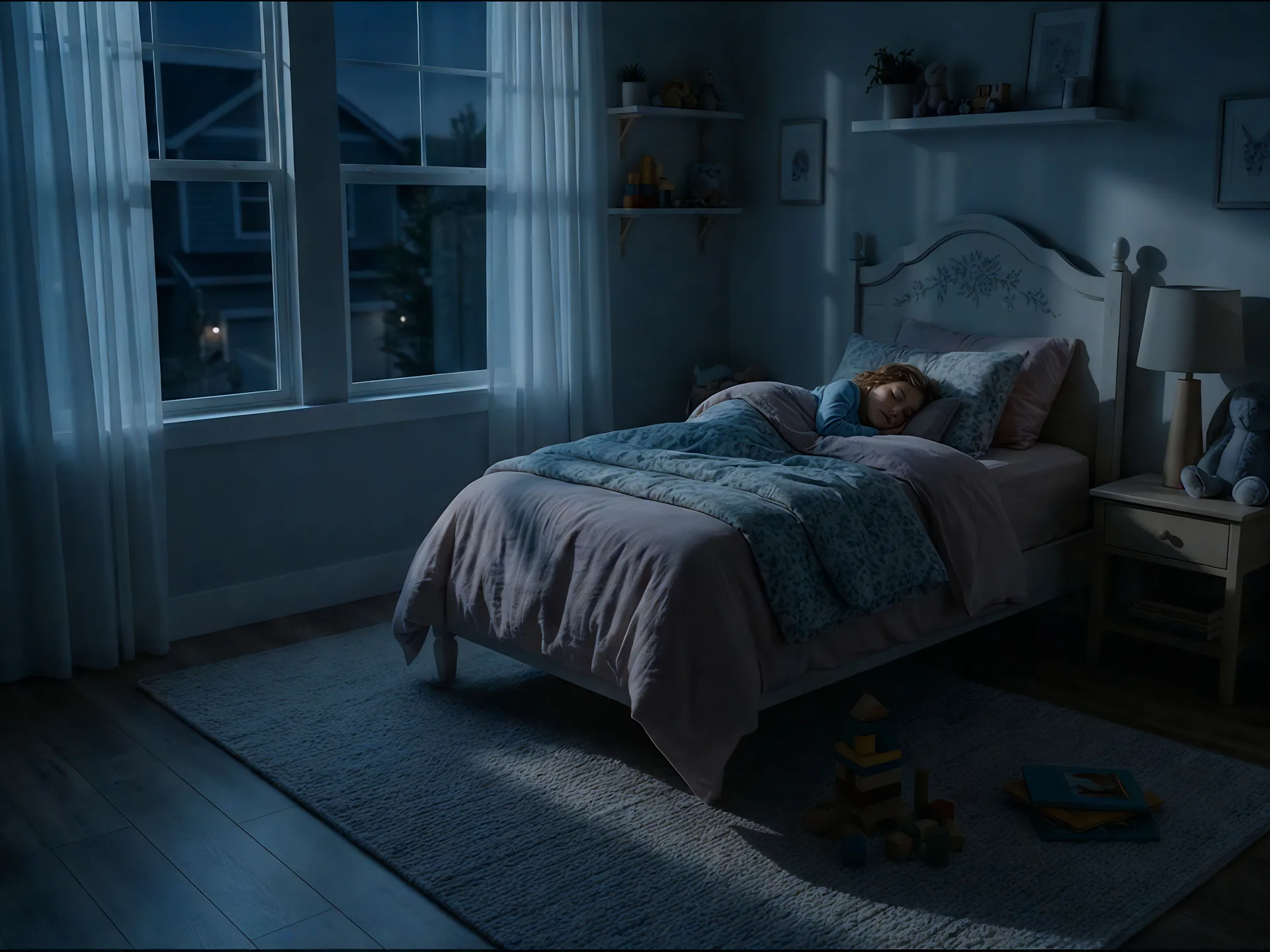
Choose a fairy, upload your own, or describe one in your words, then watch her appear in your child's room.
Pick a ready-made fairy, upload your own, or describe one, then see her appear in the room.
 Simulator
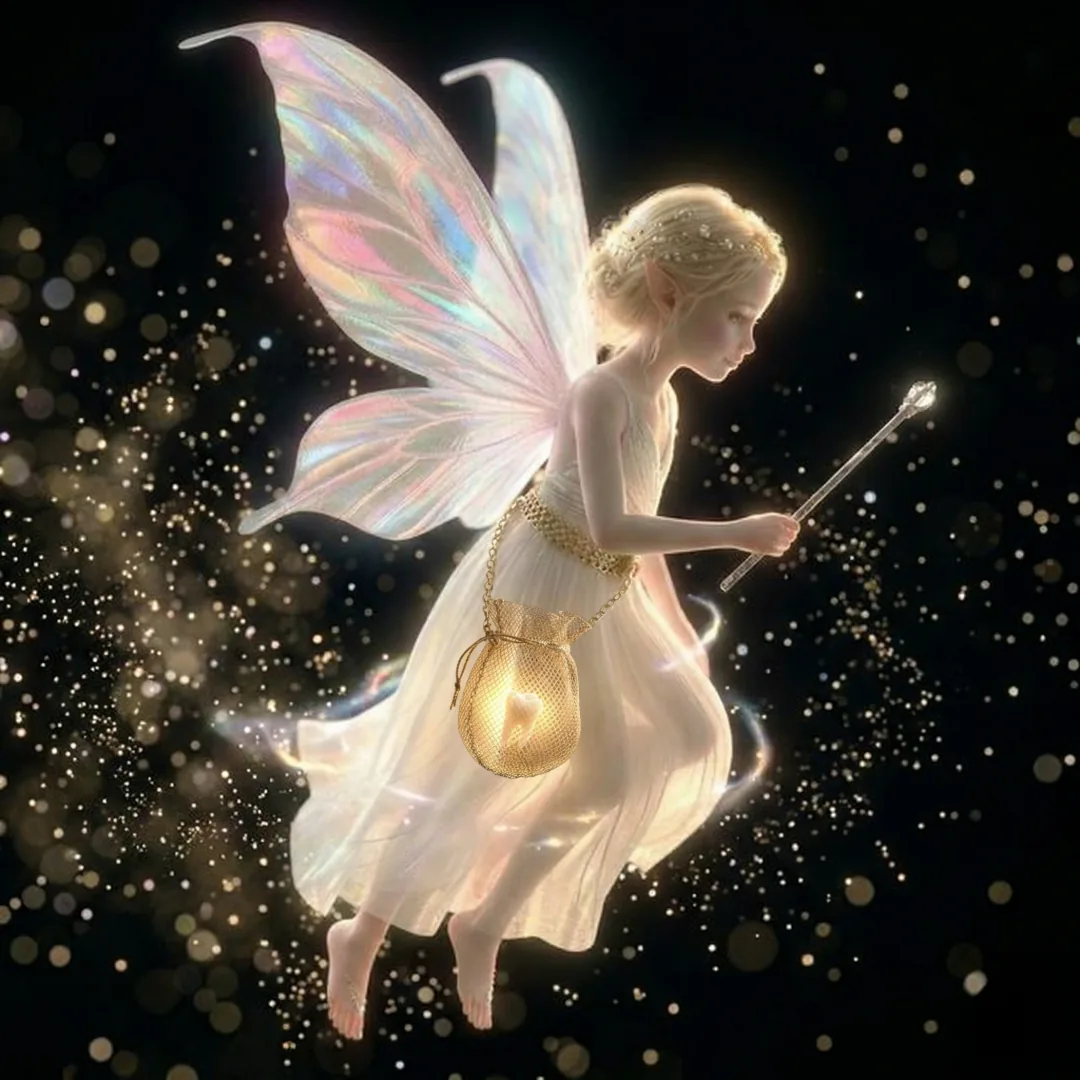 Classic Fairy · in your room
A preview of how your fairy appears. Upload a room photo when you make it for real.
Transform your photos into cinematic experiences for friends and family. Customize a Signature Momento, changing its scene, characters and elements, or make your own from a blank canvas.
One photo in. A Momento that is yours out.
-
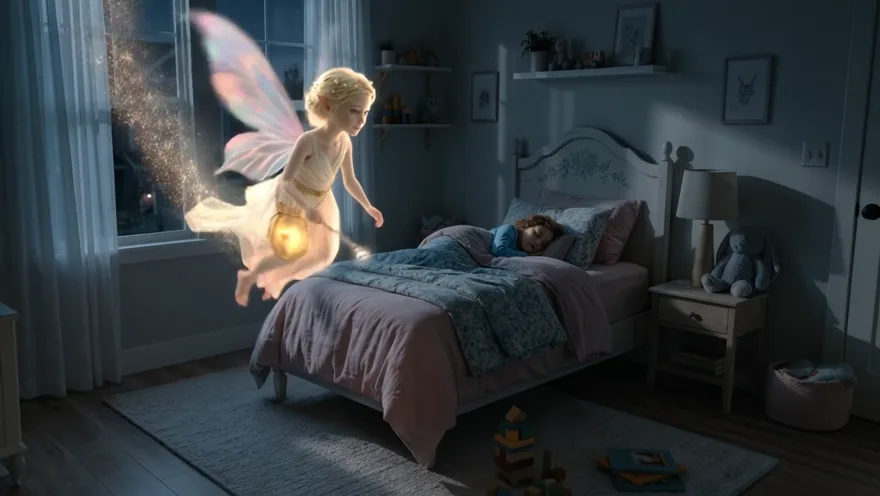 Tooth FairyHer room, her night.
-
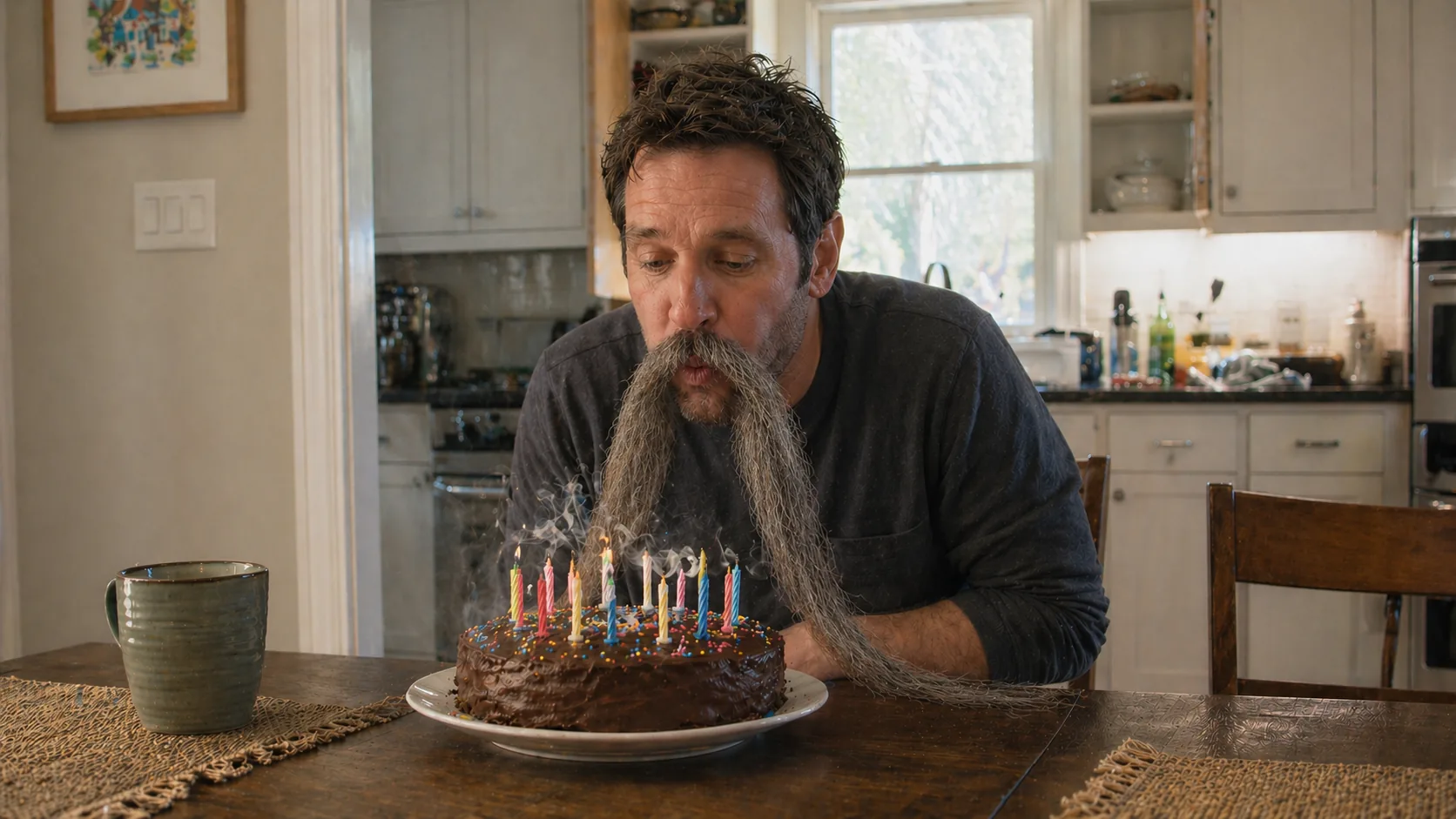 Dad's Make OverHis kitchen, his birthday.
Every part of a Momento is an element you can change, and the same tools let you create from a blank canvas in Story System and Brand System.
Try MagicLens Studio.
Studio is opening to a selected group. Request access and tell us what you want to create.
Open Studio Request Access